Accidentally deleting photos, losing important messages, or finding that some WhatsApp files are missing can be frustrating, especially when they are no longer available in the phone’s Recently Deleted or Trash folder.
Android data recovery software can sometimes help in these situations. Depending on the tool and device, it may be able to scan the phone for recoverable data or access supported backups such as Google Drive.
But recovery software isn’t a magic solution. Android versions, device manufacturers, encryption, storage conditions, backups, and whether new data has overwritten the deleted files can all affect the results.
To put together this list, we compared the current information published by the software providers, including supported data types, recovery sources, Android compatibility, recovery features, and pricing. Features can vary by device and Android version, so it is worth checking the manufacturer’s current compatibility information before starting a recovery.
In this article
Quick Comparison
| Software | Android Support* | Google Drive | Preview | Starting Price** | |
|---|---|---|---|---|---|
| Stellar Data Recovery for Android | Android 6–17 | Yes | Yes | Yes | $29.99/year |
| Dr.Fone | Up to Android 16 | Yes | Yes | Yes | $39.95/year |
| Tenorshare UltData | Android 5–16 | Yes | Yes | Yes | $39.95/year |
| EaseUS MobiSaver | See current requirements | Yes | Yes | Yes | $39.95 |
| FoneLab Android Data Recovery | Android 5+ | Yes | Not listed | Yes | $44.76*** |
* Based on the compatibility information currently published by each provider.
** Prices and promotions can change. Prices shown are US prices observed during research.
*** Promotional price shown on the manufacturer’s store at the time of research.
1. Stellar Data Recovery for Android
Best suited for Android devices, WhatsApp, and Google Drive recovery
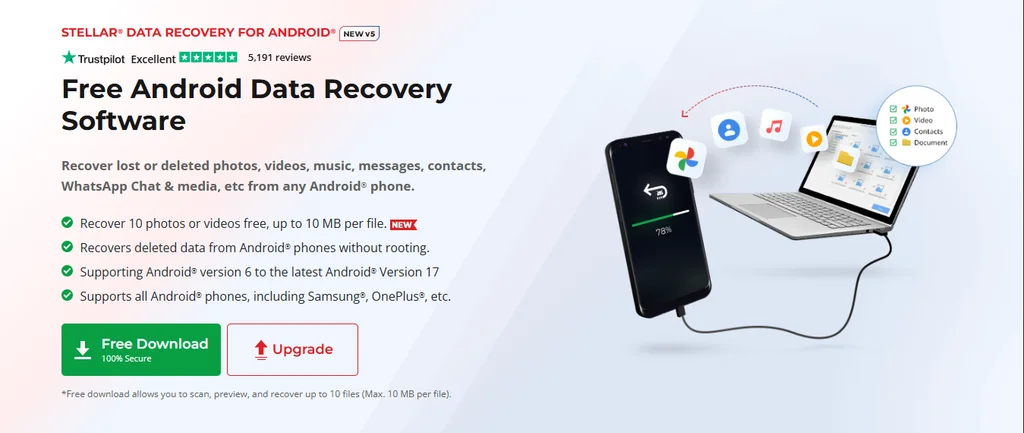
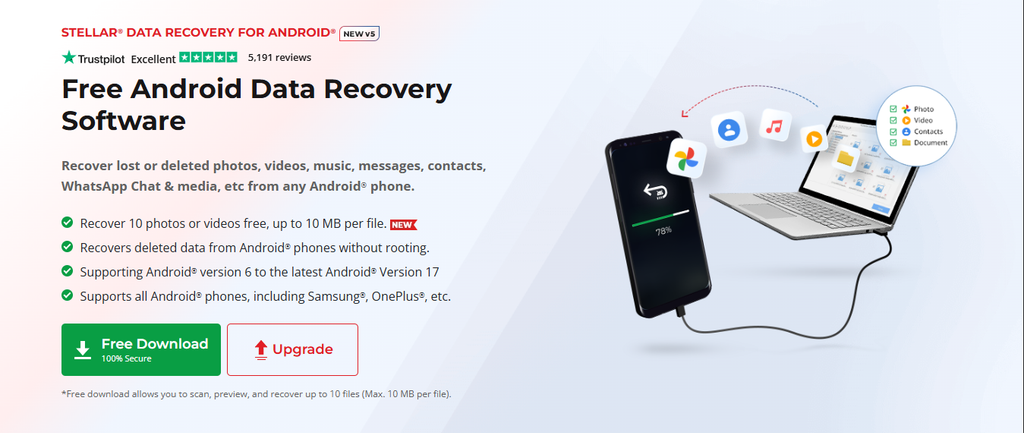
Stellar Data Recovery for Android is a Windows-based tool designed to recover different types of lost or deleted data from Android devices.
It supports photos, videos, audio files, documents, contacts, messages, call history, WhatsApp chats and media, and WhatsApp Business data. The software also supports recovery from supported WhatsApp backups stored in Google Drive.
One useful part of the recovery process is the ability to scan, preview the results, and select what you actually want to recover rather than restoring everything at once.
Android 17 support
Stellar currently supports Android versions from Android 6 through Android 17. It is designed to work without requiring users to root their phones, which makes the recovery process more accessible to people who don’t want to modify the device.
WhatsApp and Google Drive recovery
WhatsApp recovery is one of the more prominent features. Stellar can recover supported WhatsApp chats, media and attachments, as well as WhatsApp Business data.
For users who have an available WhatsApp backup in Google Drive, the software also provides a Google Drive recovery option. This gives users another recovery source when the required data isn’t available directly on the phone.
Free version
The free version allows users to scan and preview recoverable data before purchasing. It also allows recovery of up to 10 files, with a maximum size of 10 MB per file.
This makes it possible to check whether the software can actually find useful data before committing to a paid license.
Pricing
The Standard edition is currently listed at $29.99 for a 1-year license on the US website. Pricing and promotional offers can change.
Things to keep in mind
Recovery results depend on the individual phone, Android version, storage condition and whether the deleted data has already been overwritten. Google Drive and WhatsApp recovery can also depend on the type and condition of the available backup.
2. Dr.Fone – Data Recovery (Android)
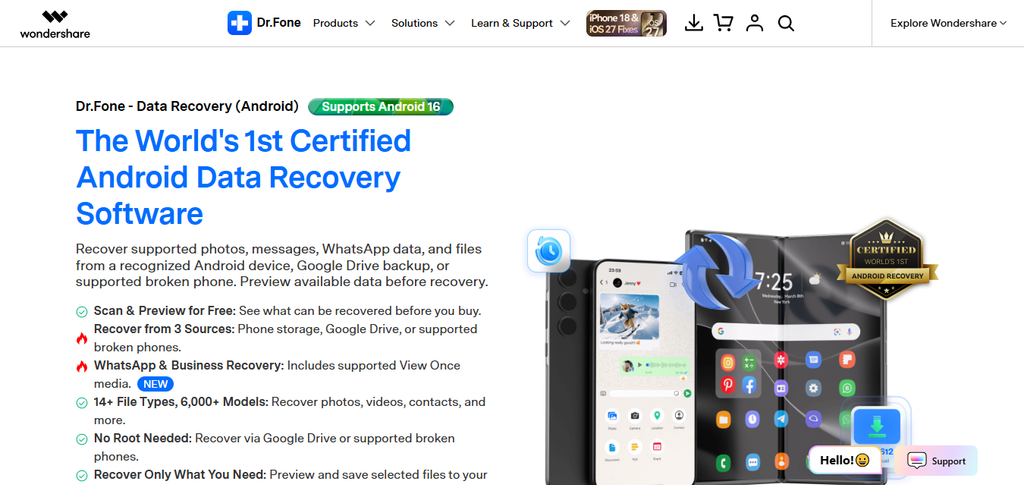
A recovery tool with multiple recovery sources
Dr.Fone is a well-known Android utility suite that includes a dedicated Data Recovery module.
According to its current product information, Dr.Fone can recover supported data from Android phone storage, Google Drive backups and certain broken Android phones.
Supported data includes photos, videos, contacts, messages, call logs, audio, documents and WhatsApp/WhatsApp Business data.
The software provides a preview of supported recoverable content and allows users to select individual files before recovery.
Google Drive and WhatsApp
Dr.Fone supports recovery from Google Drive backups and provides WhatsApp and WhatsApp Business recovery options. Its documentation also describes recovery scenarios involving supported broken Android devices.
The company currently lists Android 16 as the latest supported Android version for its Android Data Recovery product.
Pricing
The current US pricing lists Android Data Recovery at around $39.95 per year, with monthly and perpetual-license options also available. Promotional pricing may vary.
Things to keep in mind
Not every recovery method works identically across Android devices. Compatibility and available recovery options depend on the device and Android version, so users should check the specific requirements before purchasing.
3. Tenorshare UltData for Android
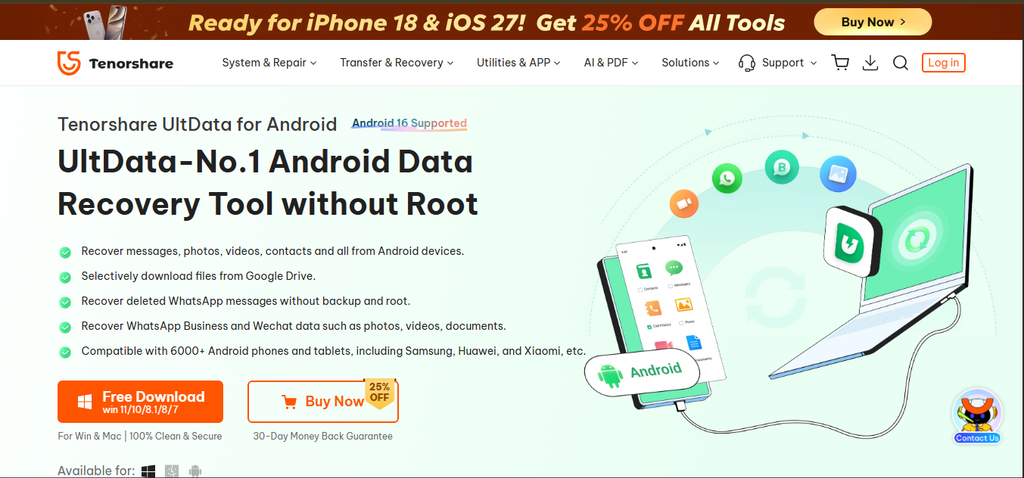
A recovery option with extensive WhatsApp support
Tenorshare UltData for Android focuses on recovering deleted or lost data from Android phones, including photos, videos, contacts, messages, call history, documents and other supported files.
The current product information lists support for Android 5 through Android 16 and a large range of Android phones and tablets.
The general workflow involves connecting the Android phone, enabling the required permissions such as USB debugging, scanning for recoverable content, previewing the results and selecting files to recover.
WhatsApp recovery
WhatsApp is a major part of UltData’s current feature set. It supports WhatsApp and WhatsApp Business recovery, including supported messages and attachments.
Tenorshare also provides Google Drive recovery for supported data and advertises recovery without requiring root in supported scenarios.
SD card recovery is another option available through the software.
Pricing
The manufacturer’s US store currently lists a 1-year license at $39.95, with monthly and lifetime licensing options also available.
Things to keep in mind
Although Android 5–16 is the currently stated compatibility range, individual features can have additional device or Android-version requirements. Recovery results also depend on the condition of the device and the deleted data.
4. EaseUS MobiSaver for Android
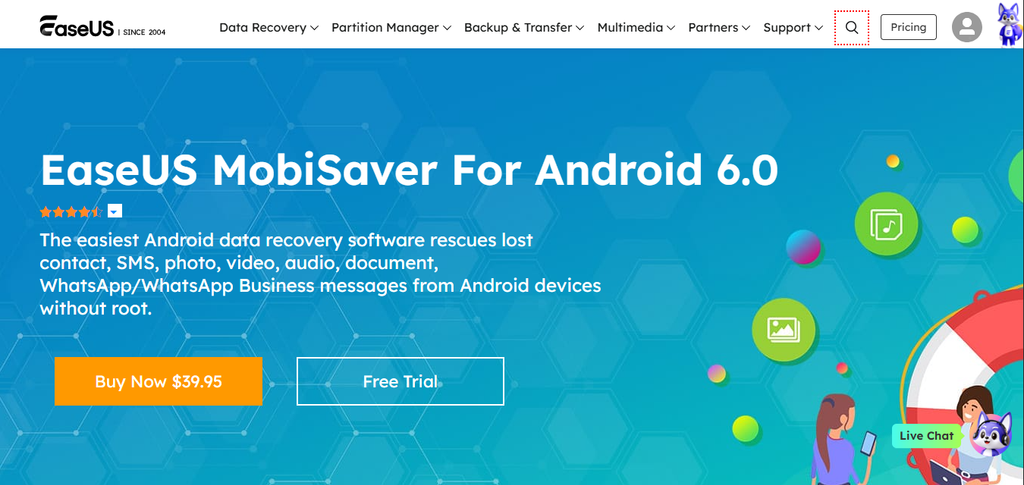
A straightforward option for common Android data
EaseUS MobiSaver for Android focuses on common types of Android data recovery, including photos, videos, contacts, SMS, audio and documents.
Its current product information also lists WhatsApp and WhatsApp Business recovery and recovery of supported data from Google Drive.
The software provides a preview of recoverable files so users can identify the data they need before proceeding with recovery.
Free and Pro versions
EaseUS offers a free version with limited recovery capabilities. The Pro version removes those restrictions and provides the full recovery functionality supported by the product.
The current US pricing for MobiSaver Pro is listed at approximately $39.95, with lifetime use and lifetime upgrades included in the listed license.
Things to keep in mind
The current product page does not state Android 17 compatibility, so users with newer Android versions should check the latest supported-device information before purchasing.
As with other recovery tools, the actual results depend on the Android device, storage condition and whether the deleted data remains recoverable.
5. FoneLab Android Data Recovery
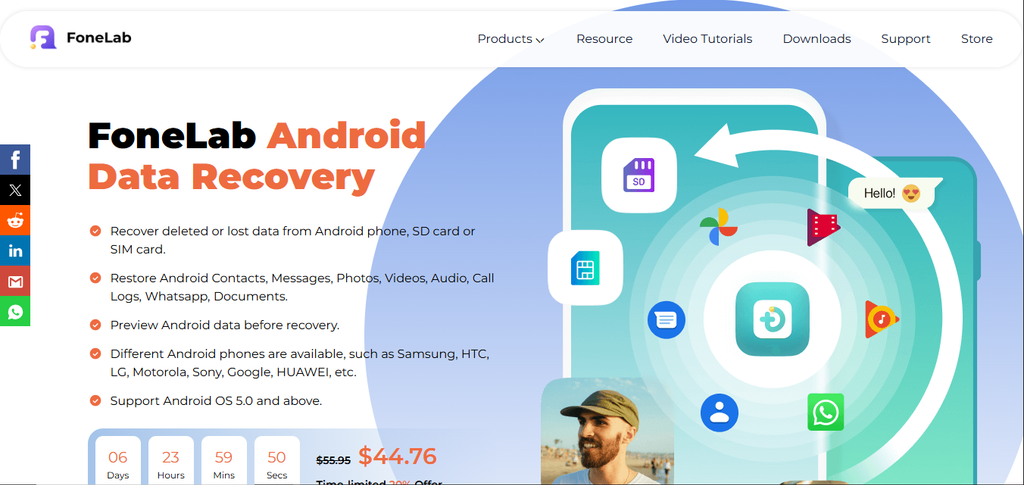
Useful when SD card or SIM recovery is also important
FoneLab Android Data Recovery supports recovery of common Android data including contacts, text messages, photos, videos, audio, call logs, WhatsApp data and documents.
The software currently states support for Android 5.0 and later and more than 6,000 Android phones and tablets.
More than phone storage
One difference is that FoneLab’s Android Data Recovery product also supports recovery from SD cards and SIM cards, in addition to Android phones.
It provides a preview of supported recoverable content and allows users to select the data they want to recover.
FoneLab also offers separate tools for broken Android data extraction and Android backup/restore, although these are separate products from the Android Data Recovery module.
Pricing
The manufacturer’s store currently shows the lifetime Android Data Recovery license at approximately $44.76 on promotion, with a monthly option also available.
Things to keep in mind
Google Drive recovery isn’t listed as a recovery source on the current Android Data Recovery product page. Users specifically looking to recover from Google Drive should therefore check the product’s current capabilities before purchasing.
Which Android Data Recovery Software Should You Choose?
There isn’t one recovery tool that is guaranteed to work in every situation. The best option depends largely on where the missing data is located and what type of data you are trying to recover.
If you need a combination of Android device recovery, WhatsApp and WhatsApp Business recovery, and Google Drive WhatsApp recovery, Stellar Data Recovery for Android brings those options together and currently supports Android 17.
Dr.Fone may be worth considering when recovery from multiple sources, including supported broken Android devices, is important.
Tenorshare UltData offers a broad combination of Android, WhatsApp, Google Drive, and SD card recovery options, while EaseUS MobiSaver focuses on common Android data types and also supports WhatsApp and Google Drive recovery.
FoneLab is another option, particularly for users who may also need SD card or SIM card recovery.
Whichever software you choose, it is a good idea to stop using the affected device as soon as possible after deleting important data. New files and other phone activity can overwrite storage space that may otherwise contain recoverable data.
Most importantly, recovery software should be viewed as an attempt to recover data rather than a guarantee. Modern Android encryption and storage behavior can make permanently deleted or overwritten data difficult or impossible to recover.